
How to Check Your O Level Results Online: Dates, Steps & What to Do Next
7 min readBy Roots Home Tutors
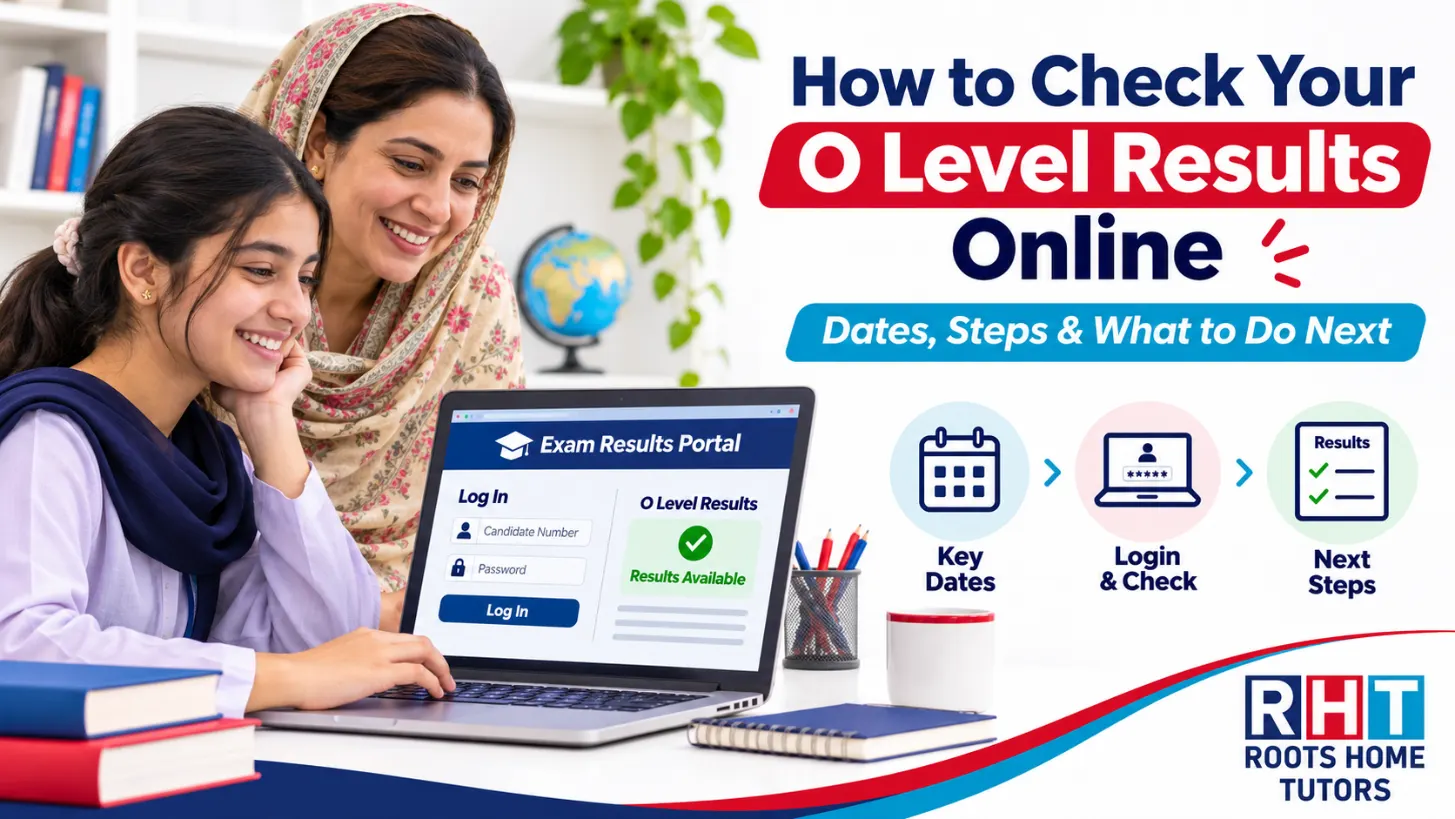
You can check your Cambridge O Level results online in a few minutes through the Cambridge Candidate Results website, provided your examination centre has issued your login details. Keep your candidate number, centre number and examination information ready, or collect your results directly from your school.
For students and parents in Lahore and across Pakistan, this guide explains when results are released, how to access them, what the grades mean and what to do if something goes wrong.
When Do O Level Results Come Out?
Cambridge O Level results are normally released twice a year: August for the May/June examination series and January for the October/November series.
For students who took their examinations in October/November 2026, Cambridge has confirmed the following release:
| Examination series | Results release | Pakistan time |
|---|---|---|
| October/November 2026 | 14 January 2027 | 11:00 AM PKT |
| May/June series | Normally August | Confirm the exact annual date |
The January 2027 release is scheduled for 06:00 GMT/UTC, equivalent to 11:00 AM in Pakistan. This applies to the majority of centres; some organisations may have different release arrangements.
For other examination series, always check the official Cambridge results information and your school’s announcements.
UK Time vs Pakistan Time
Pakistan Standard Time is UTC+5 throughout the year.
When Cambridge announces a result time in GMT, Pakistan is five hours ahead. When the announcement uses British Summer Time (BST), Pakistan is four hours ahead.
Always check whether the announcement states GMT, BST or UTC before converting the time.
What You Need Before Results Day
Before checking your results, make sure you have the correct examination details and access credentials.
Your examination records should include:
- Candidate number: Your individual examination candidate identifier.
- Centre number: The registered examination centre through which you took your papers.
- Statement of Entry: A document showing your registered subjects, centre and candidate details.
- Portal username and password: The separate login credentials issued by your school or examination centre.
Your candidate number and centre number are useful for identifying your examination entry, but they do not replace the username and password required by the Candidate Results portal.
School Candidates vs Private Candidates
If you took your O Levels through a school, contact its examinations officer for result-release instructions and online login details.
If you registered as a private candidate, contact the centre or organisation through which you entered the examination.
Private candidates should not assume their former school can provide access to their results.
Keep your Statement of Entry and any official messages from your examination centre somewhere accessible before results day.
How to Check Your O Level Results Online: Step by Step
The process is straightforward if your examination centre has activated your Candidate Results access.
Step 1: Open the Cambridge Candidate Results Website
Visit myresults.cie.org.uk using your browser.
Make sure you are using the genuine Cambridge Candidate Results website rather than a third-party page claiming to provide early results.
Step 2: Enter Your Login Details
Enter the username and password provided by your examination centre.
These are not necessarily the same credentials you use for your school’s student portal.
If you have not received them, contact your examinations officer before the official release date.
Step 3: Check Your Results
Once results have been released and your account is accessible, log in and review the grades displayed for your subjects.
Check that the subjects and personal details correspond to your examination entry.
If you notice an incorrect subject or another discrepancy, contact your examination centre.
Step 4: Save Your Result Information
Keep a copy of your provisional result for personal records and upcoming admission enquiries.
For formal college admissions, confirm whether the institution accepts the provisional statement or requires an official result document.
Step 5: Discuss Your Next Academic Steps
After checking your grades, review your preferred subjects, college requirements and any areas where additional preparation may be necessary.
Students continuing with Cambridge education can explore O Level home tutors in Lahore for guidance on relevant subject preparation and future retakes.
Important: Cambridge results are not available before the official release. Avoid anyone claiming they can unlock your grades early in exchange for money or personal login information.
What Do O Level Grades Mean?
Cambridge O Level results are reported using grades from A* to E, with A* representing the highest achievement.
| Grade | Meaning |
|---|---|
| A* | Highest grade |
| A | Strong performance |
| B | Good performance |
| C | Satisfactory achievement |
| D | Achievement at the corresponding grade standard |
| E | Lowest awarded O Level grade |
| U / Ungraded | Did not reach the minimum standard for grade E |
The final grade is based on Cambridge’s grading requirements for the relevant syllabus and examination series.
An A* does not automatically require a fixed 90% raw mark. Actual grade thresholds can vary.
Students should also distinguish between a provisional result and an official certificate.
The provisional result is issued around results day. Official certificates are provided later through the examination centre after the relevant administrative process.
If you took Cambridge IGCSE rather than O Level, the corresponding process is explained in our guide on how to check your IGCSE results online.

What If Your O Level Results Are Not Showing?
If you cannot access your results, first determine whether the problem involves the release time, login credentials or examination-centre arrangements.
Incorrect Username or Password
Check the exact credentials provided by your centre.
If you have forgotten them, contact your school’s examinations officer. Cambridge does not normally issue Candidate Results login credentials directly to students.
Website Not Loading
Results websites can become busy when large numbers of candidates try to log in simultaneously.
Wait briefly, refresh the page or try again using another browser.
Avoid submitting passwords repeatedly to unfamiliar websites.
Results Are Missing
Confirm the official result-release time and check whether your centre has provided separate instructions.
If a result is shown as Pending or No Result, contact your examination centre for clarification.
A missing result is not automatically a failed examination.
Private Candidate Cannot Log In
Private candidates should contact their registered examination centre.
The centre is responsible for providing the relevant result information and explaining the next steps.
What If You Think Your O Level Result Is Incorrect?
If your grade appears inconsistent with your performance, speak to your examination centre before requesting a formal review.
Cambridge offers an Enquiry About Results (EAR) process for eligible concerns about examination marking or moderation.
The process is managed through the registered examination centre, not directly through an ordinary student login.
An enquiry may involve a review of marking, depending on the applicable service.
Important points include:
- There is a published submission deadline.
- An administrative fee may apply.
- Marks can change following a review.
- The final grade may change, but an increase is not guaranteed.
- Cambridge’s applicable review regulations must be followed.
Does Being Close to a Grade Threshold Justify a Review?
Being close to a grade boundary may be one reason to discuss an enquiry with your school, particularly if you have evidence of a possible marking issue.
However, a result near a threshold does not automatically mean the marking was incorrect.
For more detail on how boundaries work, read our guide to O Level grade thresholds.
Ask your examinations officer about the current deadline, available review service and any costs before proceeding.
What Should You Do After Receiving Your O Level Results?
Once you receive your results, focus on the decisions that matter for your next stage of education.
1. Review Your A Level Subject Choices
Consider your strongest subjects, academic interests and future university requirements.
For example, a student planning to study Engineering may need a different A Level subject combination from someone interested in Business or Medicine.
Families preparing for AS and A2 can explore A Level home tutors in Lahore when specialist subject support is needed.
2. Consider a Retake if Necessary
If a grade does not meet your intended college or academic requirements, discuss whether a retake is appropriate.
Cambridge offers an October/November examination series for many O Level subjects, but availability and registration deadlines must be checked with an approved centre.
A retake decision should consider the time available for preparation and the student’s actual learning difficulties.
3. Prepare for College Admissions
Keep your provisional results and examination records organised.
Different colleges may have different admission criteria and documentation requirements.
Ask the institution whether a provisional statement is sufficient initially or whether additional documentation will be required later.
4. Review Your Academic Weaknesses
If your results are below expectations, identify which subjects need further attention.
A focused study plan can address weak concepts, examination technique and time management before the next academic stage.
FAQ
Can I check my O Level results without going to school?
Yes, if your examination centre has provided Candidate Results login credentials. Otherwise, you should obtain your results through the school or centre.
What time will the November 2026 O Level results be released in Pakistan?
For the majority of centres, Cambridge has scheduled the release for 11:00 AM PKT on 14 January 2027.
Start Your Free 2-Day Trial
Request a Tutor
Takes 20 seconds. We call or WhatsApp you back.
Related reading
8 min read
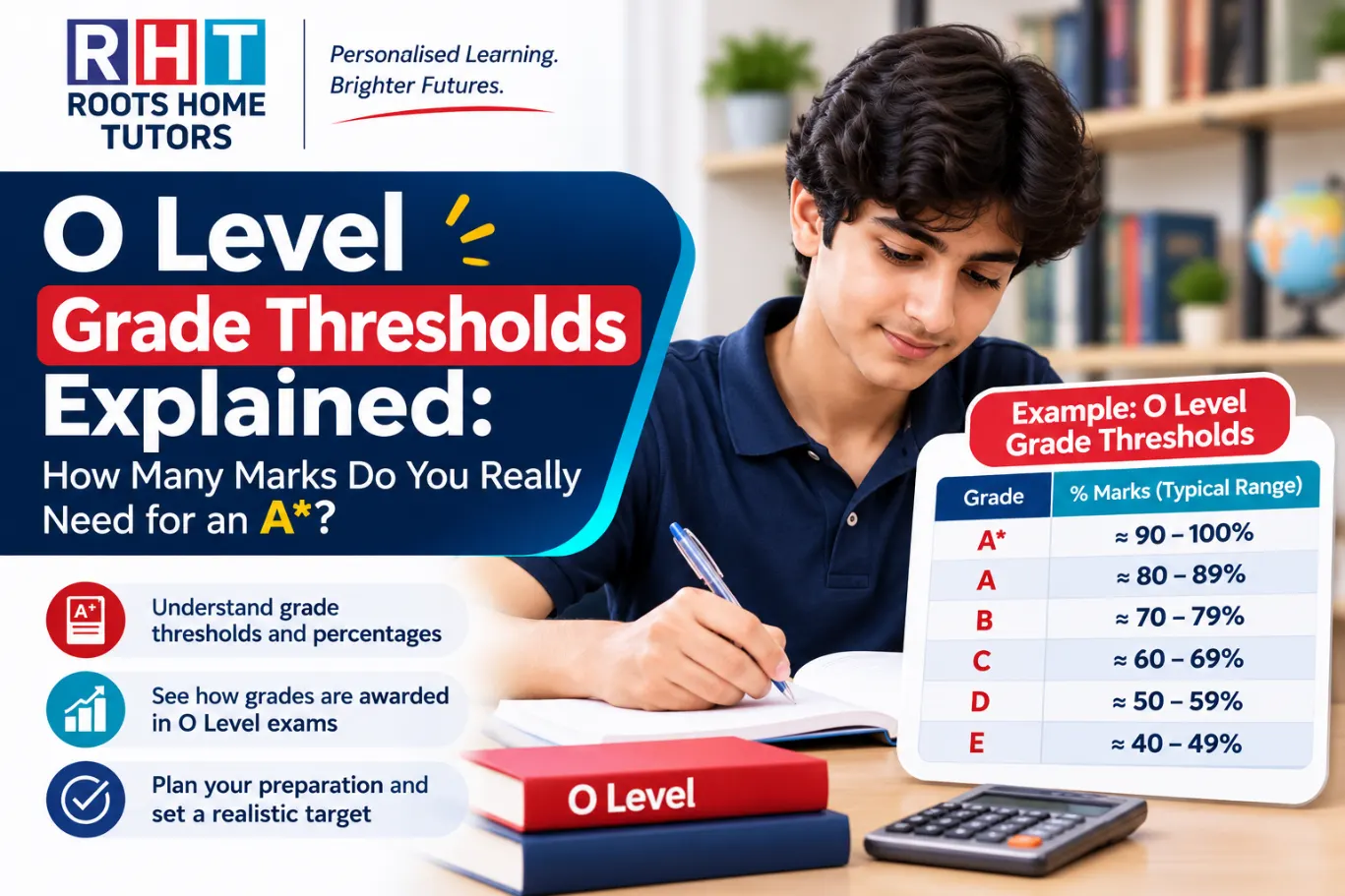
O Level Grade Thresholds Explained: How Many Marks Do You Really Need for an A*?
No fixed mark guarantees an A* at Cambridge O Level. How grade thresholds are set, how to read Cambridge's tables and how to set mock-exam targets.
Read more
4 min read
Academy or One-to-One Home Tuition for O Level and A Level? An Honest Comparison for Lahore Parents
Academy vs one-to-one home tuition for O Level and A Level in Lahore: class size, feedback, fees and a simple decision rule for parents.
Read more
3 min read
How to Use O Level and A Level Past Papers the Right Way (Most Students Use Them Wrong)
Topical vs full past papers, mark schemes, examiner reports and a mistake log: the method Lahore O Level and A Level students should follow.
Read more