
How to Check Your IGCSE Results Online 2026: Step-by-Step Guide for Cambridge Students
11 min readBy Roots Home Tutors
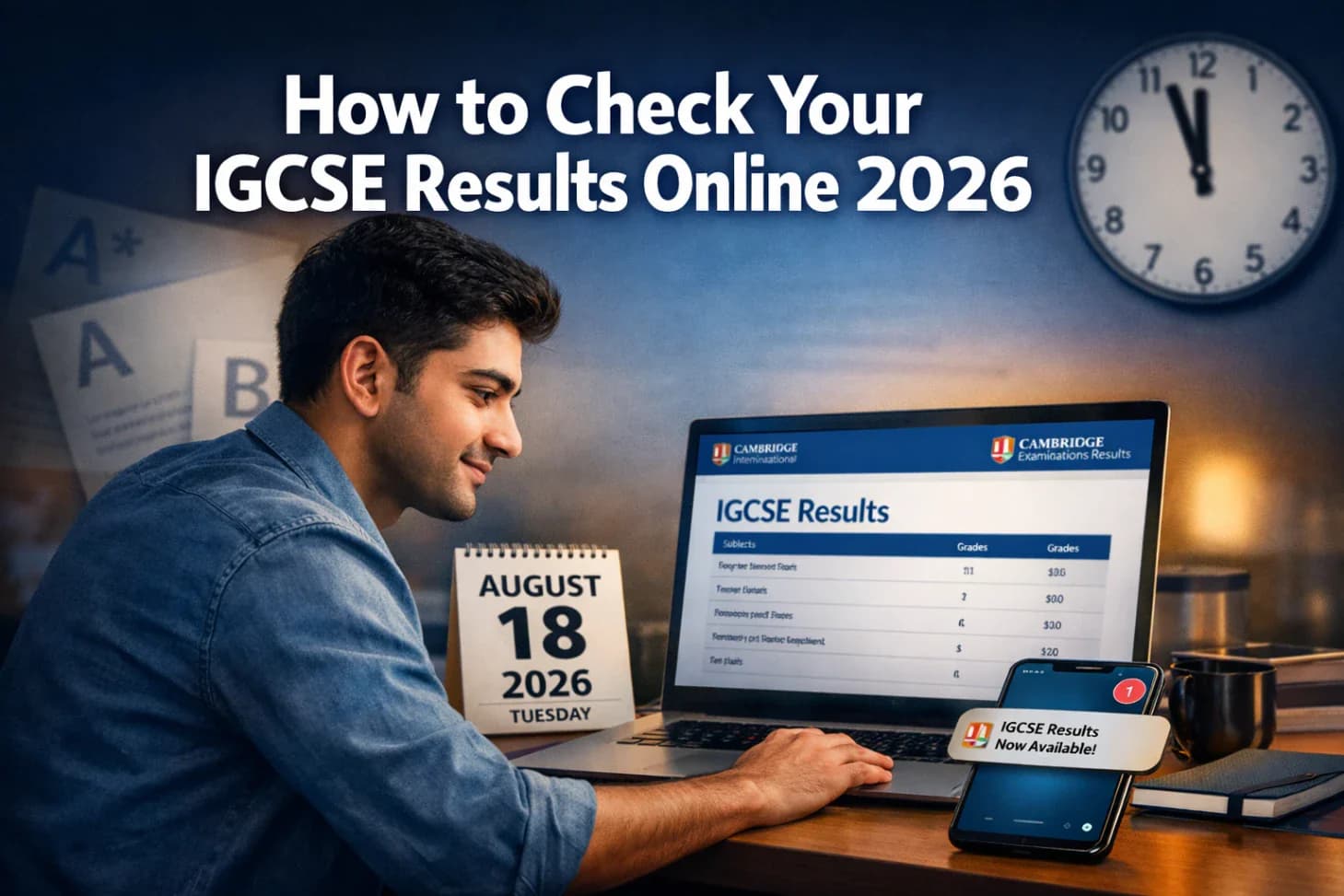
To check your IGCSE results online in 2026, log in to the Cambridge Results Online portal (https://myresults.cie.org.uk/cie-candidate-results/login) using your candidate number and school's centre number. Results are released by Cambridge Assessment International Education (CAIE) on the official results day for your exam series, and you can access them directly or through your school's centre login.
- You need your candidate number and centre number to check your IGCSE results online through the Cambridge Results Online portal.
- For the June 2026 series, results are typically released in mid-August; the November series releases in January.
- Schools (exam centres) receive results first and may share them with students before the portal opens for individual access.
- If the portal is not loading, clear your browser cache, try a different browser, or wait and retry, high traffic on results day causes temporary slowdowns.
- You cannot check results early; Cambridge does not release results before the official date under any circumstances.
- Parents can view results if the school grants access or if the student shares login credentials.
- Downloadable results statements are available through the portal for a limited period; save them promptly.
- If grades appear incorrect, a clerical check or enquiry about results (EAR) can be submitted through your school.
What Information Do You Need to Check Your IGCSE Results Online
To access the Cambridge Results Online portal, you need three pieces of information: your candidate number (a four or five-digit number assigned by your school), your centre number (a five-digit number identifying your school or exam centre), and the series/year of your examination.
Your school issues both numbers before the exam session. They are also printed on your exam timetable, entry confirmation slip, and on the front of your exam papers. If you cannot locate either number, contact your school's exams officer directly, they are the fastest source.
Common mistake: Many students confuse their candidate number with their Cambridge personal identifier (UCLES number). These are different. The candidate number is session-specific; the UCLES number is a permanent identifier. Use the candidate number for the results portal.
How to Check IGCSE Results Online 2026: Step-by-Step
Cambridge students can check their IGCSE results online in 2026 by following these steps on the official Cambridge Results Online portal. The process takes under five minutes once you have your login details ready.
Step-by-step process:
- Go to results.cambridgeinternational.org in your web browser.
- Select "Students" from the login options on the homepage.
- Enter your centre number in the first field.
- Enter your candidate number in the second field.
- Select the correct exam series (e.g., June 2026).
- Click "Log in" or "View Results."
- Your subject grades will appear on screen.
- Download or print your results statement for your records.
Edge case: If your school uses a third-party results management system (some centres in Pakistan and the Middle East do), your school may direct you to a different login page. Always confirm the correct URL with your exams officer if you are unsure.
What Time Do IGCSE Results Come Out in 2026
Cambridge releases IGCSE results at a specific time on results day, not at midnight. For the June 2026 series, results are typically made available to schools (exam centres) at approximately 06:00 BST (British Summer Time) on results day in mid-August. Individual student access through the portal usually opens shortly after, often by 08:00 BST.
For students in Pakistan, that translates to approximately 11:00 PKT for school access and 13:00 PKT for student portal access, though these times can shift slightly depending on server load.
Cambridge does not publish an exact minute-by-minute release schedule. The times above are based on historical patterns for the June series and should be treated as estimates.
Key point: Your school may receive and distribute results before the student portal opens. Check with your school whether they will share results via email, WhatsApp, or a school notice board on results day.
Do I Need to Check Results Through My School or Directly
Students can check IGCSE results either through their school or directly via the Cambridge Results Online portal, both methods are valid. Schools receive results first and often communicate them to students through their own systems. Direct portal access gives students independence and is the most reliable method for getting an official record.
Choose school access if:
- Your school sends results by email or school portal and you trust that system.
- You want confirmation alongside your school's official documentation.
Choose direct portal access if:
- You want to see results as soon as they are available.
- You are a private candidate (not registered through a school).
- You need to download an official results statement immediately.
Private candidates who registered directly with Cambridge will receive login instructions by email from Cambridge before results day.
IGCSE Results Portal Login Not Working, What to Do
If the Cambridge Results Online portal is not loading or returning an error, the most common cause is high traffic on results day. The portal handles millions of simultaneous logins and can slow down or temporarily fail in the first hour after release.
Troubleshooting steps:
- Wait 10-15 minutes and try again, this resolves the majority of issues.
- Clear your browser cache and cookies, then reload the page.
- Try a different browser (Chrome, Firefox, Safari, or Edge).
- Disable any VPN or proxy, as these can block access to the portal.
- Check Cambridge's official social media channels for any announced outages.
- If the issue persists after two hours, contact your school's exams officer, who has direct access to the centre results system.
Do not repeatedly attempt logins in quick succession, this can temporarily lock your session. Give it a few minutes between attempts.
Can I Check IGCSE Results Without My Candidate Number
No, you cannot access the Cambridge Results Online portal without your candidate number. The candidate number is the primary identifier the portal uses to retrieve your specific results from the database.
If you have lost your candidate number:
- Check your original exam entry confirmation or timetable.
- Look at the front page of any practice or mock exam paper your school issued.
- Contact your school's exams officer, they can retrieve it from the centre's records.
There is no alternative login method (such as email or passport number) for the student-facing portal. Your exams officer can view your results on your behalf using the centre login if you are unable to locate your candidate number in time.
Can You Check IGCSE Results Early Before the Official Release Date
No. Cambridge does not release results early to students, parents, or schools under any circumstances. Any website, service, or individual claiming to offer early access to IGCSE results is fraudulent.
Cambridge operates a strict embargo on results data until the official release time. Even schools, which receive results slightly before the student portal opens, are bound by embargo agreements and cannot share results before the designated time.
Warning: Scam services occasionally appear around results season, asking students to pay a fee for "early access." These are not legitimate. Report any such service to Cambridge directly.
Can Parents Check IGCSE Results for Their Child
Parents can check IGCSE results for their child if the student shares their candidate number and centre number, or if the school provides a parent-facing portal. Cambridge's student portal does not have a separate parent login, access is credential-based, not role-based.
In practice, most schools in Pakistan and other regions communicate results to parents directly via the school's own system or through the student. If a parent needs an official results statement, the student must download it from the portal and share it, or the school can issue a certified copy.
For parents supporting students through the IGCSE process, finding the right academic support early makes a significant difference. A qualified IGCSE tutor in Lahore can help students prepare more effectively and understand what their results mean for next steps.
IGCSE Results Online vs Getting Them in Person at School
Both methods deliver the same official grades, but they differ in timing, documentation, and context.
| Factor | Online Portal (Direct) | In Person at School |
|---|---|---|
| Timing | Available from portal open time | School sets its own distribution time |
| Official document | Downloadable results statement | Printed slip or letter from school |
| Guidance available | None (self-service) | Teachers and counsellors present |
| Best for | Speed, private candidates, remote students | Students who want immediate support or next-step advice |
| Appeal process | Must go through school regardless | Can initiate on the same day |
For students at schools across Lahore, checking results in person has the added benefit of immediate access to teachers who can explain grades and advise on re-entry or subject changes. If you are considering your next academic steps, reviewing the best O Level schools in Lahore can help with planning.
How to Download and Save Your IGCSE Results Certificate
After logging in to the Cambridge Results Online portal, a downloadable results statement is available as a PDF. This is not the same as the final certificate (which Cambridge issues separately by post), but it serves as an official interim record.
To download your results statement:
- Log in to the portal using the steps above.
- Locate the "Download Results Statement" or "Print" option on your results page.
- Save the PDF to your device immediately.
- Back up the file to cloud storage (Google Drive, iCloud, or similar).
How long do IGCSE results stay available online? Cambridge typically keeps results accessible on the portal for a limited window, historically around 90 days after results day, though this can vary by series. After that window closes, you must request a certified statement of results directly from Cambridge, which involves a fee. Download and save your results statement on results day to avoid this.
What If My IGCSE Results Don't Appear Online
If your results are not showing on the portal after logging in correctly, there are several possible causes. The most common is a data entry error in your candidate or centre number. Double-check both numbers before assuming there is a system error.
Other reasons results may not appear:
- Your school submitted your entry under a slightly different name or number combination.
- There is a pending administrative hold on your results (rare, but possible if fees are outstanding).
- You are searching the wrong exam series (e.g., selecting November when you sat June).
- The portal is experiencing a backlog on results day.
If none of these explanations apply after careful checking, contact your school's exams officer on the same day. They can check the centre system and, if necessary, escalate directly to Cambridge's customer services team.
IGCSE Results Showing But Grades Seem Wrong, How to Appeal
If your grades appear online but seem inconsistent with your performance, you have the right to request a review. The formal process is called an Enquiry About Results (EAR), and it must be submitted through your school, students cannot submit EARs directly to Cambridge.
Types of EAR:
- Clerical re-check: Cambridge checks that all marks were correctly recorded and totalled. This is the fastest and least expensive option.
- Review of marking: A senior examiner re-marks your paper. This can result in a grade going up, staying the same, or going down.
- Script return: You can request a copy of your marked script to review before deciding whether to submit a full EAR.
Deadlines matter. EAR deadlines are typically within a few weeks of results day. Ask your exams officer for the exact deadline immediately after receiving your results. Missing the window means you cannot appeal for that series.
If you are planning to re-sit a subject after an unsatisfactory result, targeted preparation with an experienced tutor can make a measurable difference. See this guide on how to get an A* in O Level Maths for a practical revision approach. For students who received disappointing mock results and are still preparing, the advice in this mock results recovery guide is directly applicable.
FAQ
Q: What is the Cambridge Results Online portal URL?
A: The official portal is https://myresults.cie.org.uk/cie-candidate-results/login Only use this URL, do not trust links sent via unofficial WhatsApp groups or third-party websites.
Q: When are IGCSE June 2026 results released?
A: The June 2026 series results are expected in 18 August 2026. Cambridge announces the exact date in advance on its official website. The November 2026 series results are expected in January 2027.
Q: Can I access my IGCSE results on a mobile phone?
A: Yes. The Cambridge Results Online portal is accessible on mobile browsers. Use Chrome or Safari for the best experience. If the page does not load correctly, switch to desktop view in your browser settings.
Q: What is the difference between a results statement and the IGCSE certificate?
A: The results statement is a downloadable PDF available through the portal shortly after results day. The official IGCSE certificate is a printed document issued by Cambridge and sent to your school, usually several months after results day.
Q: My school is closed on results day. Can I still check online?
A: Yes. The student portal allows direct access regardless of whether your school is open. You only need your candidate number and centre number.
Q: Is there a fee to check IGCSE results online?
A: No. Accessing the Cambridge Results Online portal is free for students and centres.
Q: What should I do if I forgot to download my results statement and the portal has closed?
A: Contact Cambridge International directly to request a certified statement of results. A fee applies. Your school's exams officer can also assist with this process.
Q: Can I check results for a subject I withdrew from?
A: No result will appear for a subject from which you were formally withdrawn. If you believe you should have a result for a subject, contact your exams officer to verify your entry status.
Q: How do I know if my school uses a different results system?
A: Ask your exams officer before results day. Some schools in Pakistan use the Cambridge Centre Manager portal and distribute results directly rather than directing students to the student portal.
Q: What if I sat IGCSE as a private candidate?
A: Private candidates registered directly with Cambridge receive a separate login and instructions by email. The process is the same, but the centre number will correspond to the examination centre where you sat your papers.
Conclusion
Checking your IGCSE results online in 2026 is straightforward when you have the right information ready in advance. The key steps are: confirm your candidate number and centre number before results day, access the portal at results.cambridgeinternational.org at the published release time, download your results statement immediately, and contact your exams officer the same day if anything is missing or appears incorrect.
Start Your Free 2-Day Trial
Get a verified male or female tutor matched to your syllabus, with a free 2-day trial before you pay anything.
- We reply during office hoursMon – Sun, 9:30 AM to 11:30 PM
- Free 2-day trialNothing to pay until you’ve seen a lesson
- Office29-J3, Block J3 Abdul Haque Rd, opp. Expo Center Road, Block J3 Phase 2 Johar Town, Lahore, 54000
Request a Tutor
We reply on WhatsApp or by phone.
Related reading
4 min read
Should Your Child Take O Level Additional Mathematics (4037)?
Should your child take O Level Additional Mathematics 4037? Topics, exam format, IBCC rules and who it suits, explained for Lahore parents.
Read more
4 min read
Exam Preparation Tutor vs Regular Tutor: What Does Your Child Need?
Compare exam preparation and regular home tuition. Choose support based on learning gaps, syllabus coverage and assessment dates in Lahore.
Read more
3 min read
Home Tutor Trial-Class Checklist for Lahore Parents
Assess a Lahore home tutor’s teaching, subject knowledge and student fit. Use this practical trial-class checklist before agreeing to regular tuition.
Read more